AI Workflow Automation: Where It Pays Off, Where It Breaks
Summary
AI workflow automation puts a language model at the judgment-heavy steps of a chain while rules handle the rest. It pays off on unstructured input, variable output and large-scale classification, and it backfires on lookups and thresholds. Start with one low-risk weekly task, such as campaign reporting, log every model call, assign a named owner and keep a human check for the first month before you let anything reach customers.

AI workflow automation means a workflow where a language model decides at least one step, instead of following a fixed rule. A trigger fires, the model reads messy input, picks a branch or writes the output, and the rest of the chain runs on its own. It pays off on variable, text-heavy work such as lead triage and campaign reporting. It backfires on stable, high-volume steps where a plain rule is cheaper and easier to audit.
Your Tuesday campaign report still takes two hours to assemble. Four exports, one spreadsheet, a Slack message nobody reads before Wednesday. That is the gap AI workflow automation is meant to close, and it is also where most teams place the wrong bet first.
What AI workflow automation changes compared with a rules-based flow
A classic automation is a railway timetable. If the form is submitted, add the contact, send template B. Every branch is written by a human in advance, and anything unexpected stops the train.
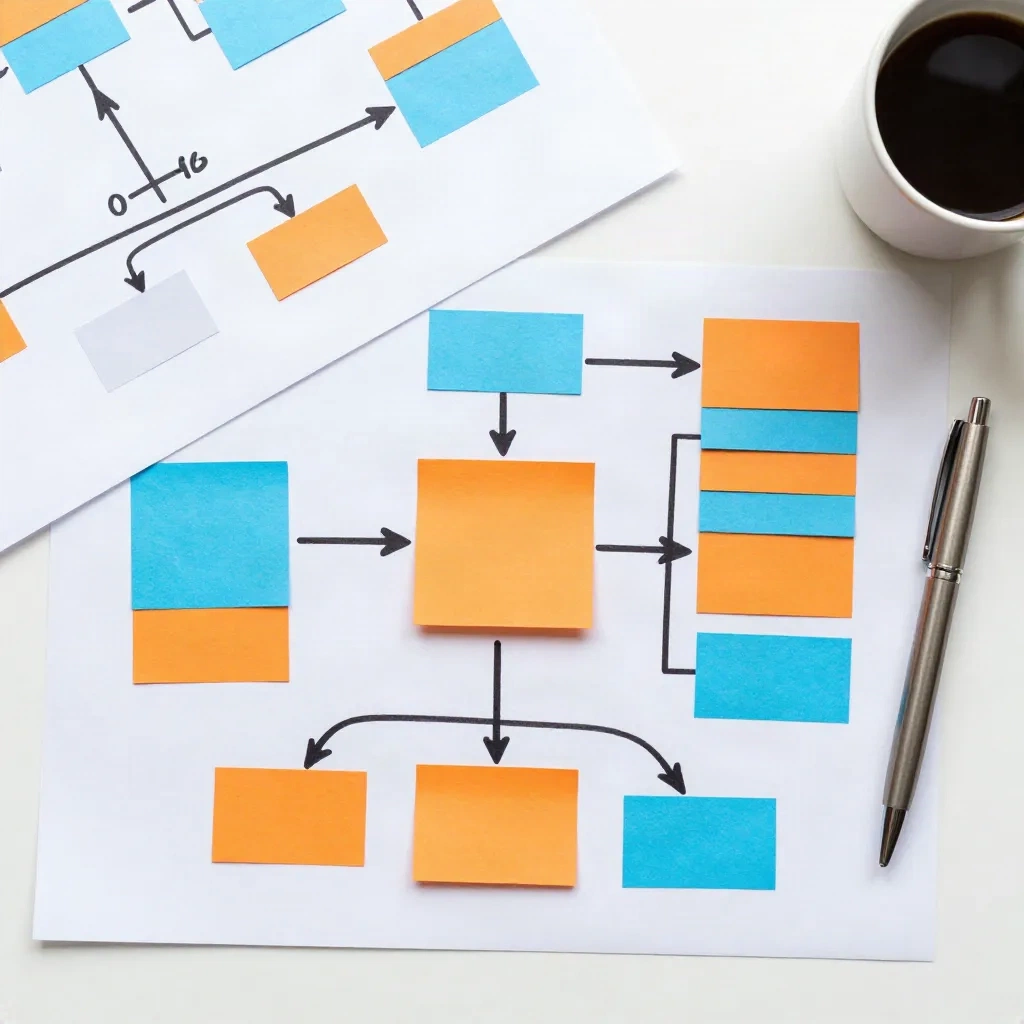
An AI workflow keeps the timetable but lets a model make the call at specific stops. Read this reply and decide whether it is a refund request or a buying signal. Summarise these 40 ad variants into three themes. Draft the follow-up in the customer's tone. The surrounding steps stay deterministic. Only the judgment-heavy node is probabilistic.
That distinction matters for how you budget. Analyst commentary on the shift, such as this CIO Review piece citing Gartner research, expects a hybrid market: stable work stays in traditional automation, variable work moves to AI steps with human review. We agree, and we have seen the opposite fail in production.
Where the model earns its place in the chain
Three kinds of steps justify the extra cost and the extra failure modes.
Unstructured input. Inbound emails, call transcripts, form free-text, support tickets. A rule cannot read "we're comparing you with two others and need a decision before the board meets". A model can, and it can tag the intent in a field your CRM understands.
Variable output. Personalised first lines, ad copy variants, weekly summaries written for a specific reader. The text changes each run, so templates break down.
Classification at scale. Sorting 800 replies into five buckets by hand costs a morning. A model does it in minutes, and you review only the low-confidence ones.
Skip the model when the step is a lookup, a date comparison or a threshold. "If cart value is above 120, add to segment A" does not need a language model. It needs one line in a filter, and it will give the same answer on every run.
The cost nobody puts in the demo
Every AI step adds three things a rules-based step does not have: a per-run cost, a latency of seconds rather than milliseconds, and a nonzero error rate.
Teams budget for the first and forget the third. A classifier that is right 94 times out of 100 sounds strong until it routes six angry customers into a promotional sequence each hundred runs. The fix is not a better prompt alone. It is a confidence threshold, a fallback branch and a human queue for anything below it.
We would put it this way: the instruments should tell you when the model is guessing. If your workflow tool cannot expose a confidence score, a validation step or at least a log of every model decision, you are flying without them.

Choosing the right tool: builder, self-hosted or agent
The market splits into three families, and the right pick depends on who maintains the flow six months from now.
Visual builders such as Zapier and Make connect thousands of apps with little code. They suit marketers who own their automations. The trade-off is cost at volume, since task-based pricing climbs fast when a flow runs thousands of times a day.
Self-hosted options such as n8n give you control over data and cost per run, at the price of someone having to run the server. If your ops person is already stretched, that is a hidden tax.
Agent-style tools such as Lindy let you describe a goal and let the system choose the steps. They are fast to start and harder to predict. Use them for low-risk work first.
Klaviyo does email better than most general builders, and a dedicated builder does cross-app plumbing better than Klaviyo. Compass sits one layer above both: it orchestrates the route across channels and acts on it, rather than waiting for you to wire every branch. Which layer you need depends on whether your problem is connecting tools or deciding what to do next.
How adoption looks in marketing teams right now
Most marketing teams use AI somewhere. Few have wired it into a chain that runs without manual hand-offs. A Neil Patel survey of 200 companies with marketing departments found only 6 percent using AI workflow automation, and 59 percent had heard of it but were unsure how to apply it. Treat the exact figure with caution, since definitions vary between surveys, but the direction is consistent: usage is wide, depth is thin.
For you, that gap is an opening and a warning. Opening, because a single well-built chain still gives you an edge over peers who only paste text into a chat window. Warning, because the teams that ran ten pilots at once are the ones now maintaining ten fragile flows.
A first workflow that survives contact with reality
Start with one chain, one owner and one metric. Here is the route we recommend for a growth team that has never shipped one.
Pick a weekly task that is annoying and low risk. Campaign reporting is ideal: the inputs are exports, the output is a summary, and a mistake costs you an awkward comment, not a customer.
Keep the deterministic parts deterministic. Pull the data with a plain connector, calculate the numbers with formulas, and give the model only the narrative: what moved, what is odd, what to check.
Log every model call. Input, output, timestamp. When something goes wrong in week six, you will want the evidence.
Add a human check for the first month. Not forever, just until the error pattern is clear.

The metric to track is hours returned per week against cost per run, not "number of automations live". A team with three flows that save 12 hours beats a team with thirty flows that need a weekly rescue.
Where ai workflow automation breaks in practice
Four failure patterns come up again and again.
Silent drift. A vendor updates the model, your outputs change tone, and nobody notices for a month. Pin the model version where the tool allows it and sample outputs weekly.
Chained uncertainty. Two AI steps in a row multiply their error rates. If step one is 95 percent right and step two is 95 percent right, the chain is right about 90 percent of the time. Put a validation step between them.
Unowned flows. The person who built it left. The flow still runs. Assign a named owner to every workflow and put it on the same calendar as your campaign reviews.
Customer-facing autopilot too early. Sending model-written replies directly to customers before you have a quality baseline is the fastest way to turn a time saving into a brand problem. Draft, then review, then auto-send for the narrow categories where the review rate has dropped to near zero.
Guardrails that cost an afternoon and save a quarter
Most of the damage from a bad AI step is preventable with four cheap controls. None of them needs engineering time beyond a single afternoon.
First, a kill switch. Every workflow needs one obvious way to pause it, documented where the on-call person will look. When a webhook floods your CRM with duplicate contacts at 2 a.m., you want one toggle, not a search through six tools.
Second, rate limits. A loop that calls a model on every row of a 50,000-contact list can burn a month of budget before breakfast. Cap runs per hour and alert on spend.
Third, a test set. Keep 30 real examples with known right answers, and rerun them whenever you change a prompt or a model. If accuracy drops, you find out before your customers do.
Fourth, data hygiene. Decide which fields may leave your systems and which may not. Names and emails in a prompt are a policy question, not only a technical one, so settle it with whoever owns privacy at your company before the first flow ships.
From automation to orchestration
Automation executes the steps you defined. Orchestration watches the result and changes the route. If email opens plateau at 18 percent after 48 hours, an orchestrated system shifts budget to the paid channel without waiting for your Monday meeting.
That is the longer arc behind ai workflow automation: first the repetitive steps move off your plate, then the decisions about which step runs next. You do not need orchestration on day one. You do need to build today's flows so that they log their decisions and expose their results, because that is the data any smarter layer will need later.
What we would build first
If you run marketing for a team of five to fifty, build the reporting chain this month, the inbound-reply classifier next quarter, and leave customer-facing generation until your logs show a stable error rate. Use a visual builder if marketers own the flow, self-host only if someone owns the server, and keep deterministic steps out of the model's hands.
Bearing set: small chain, named owner, one metric, human check on the first month. Everything else follows from the route you can actually maintain.