An AI navigator for the whole campaign.
Set a destination, approve the route, and let the AI take the helm across email, ads, social and CRM — re-routing on signal, with you in command.
Set a destination
Describe the goal in plain words. The AI reads intent — a real objective, not just a task to schedule.
Auto-charted route
It plots the whole campaign: brief, audience, creative, channels, sequence and the checkpoints to measure against.
Executes across your stack
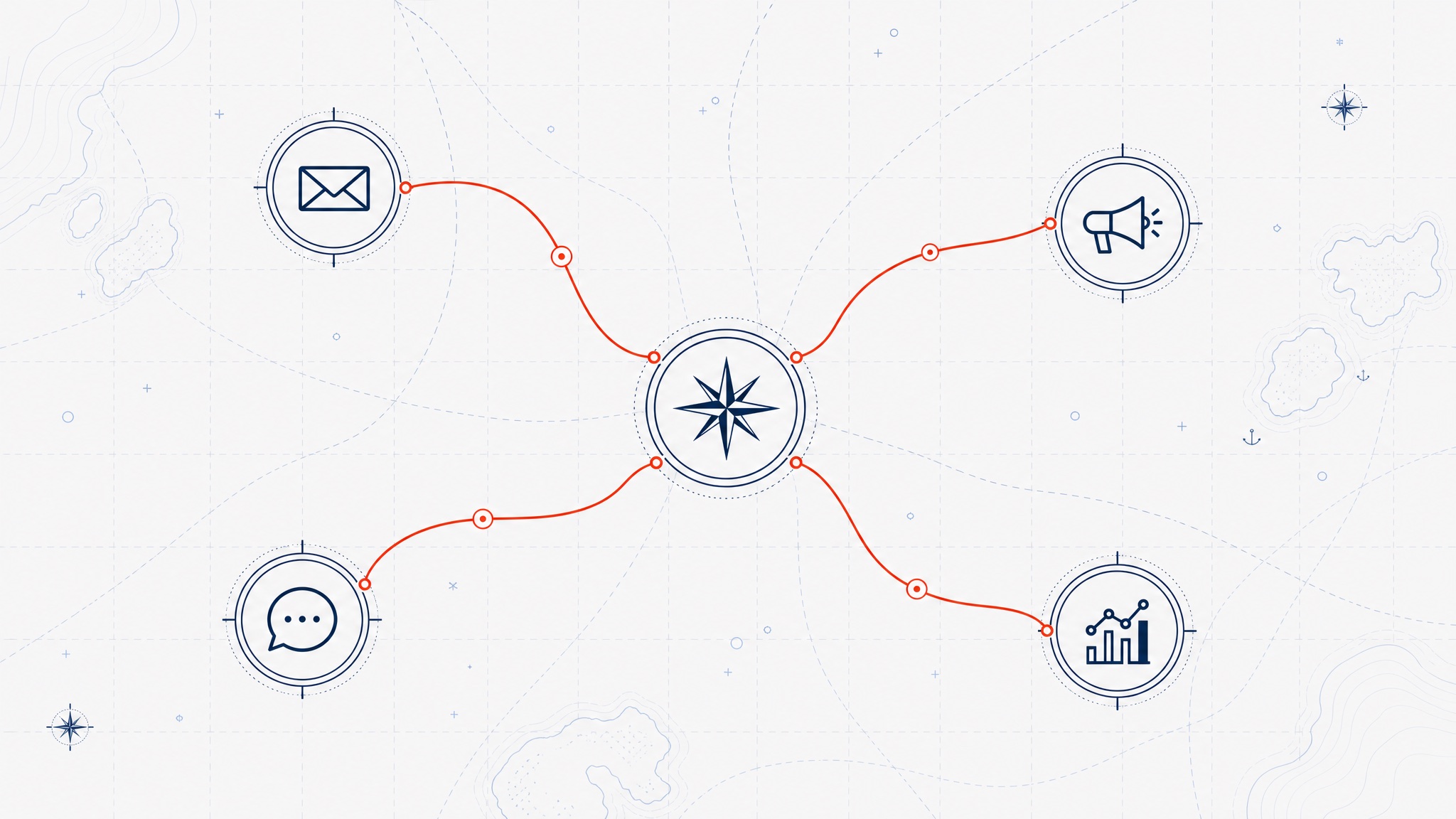
Connect email, ads, social and CRM. Compass takes the helm and acts — it doesn’t just leave you suggestions.
Budget by bearing
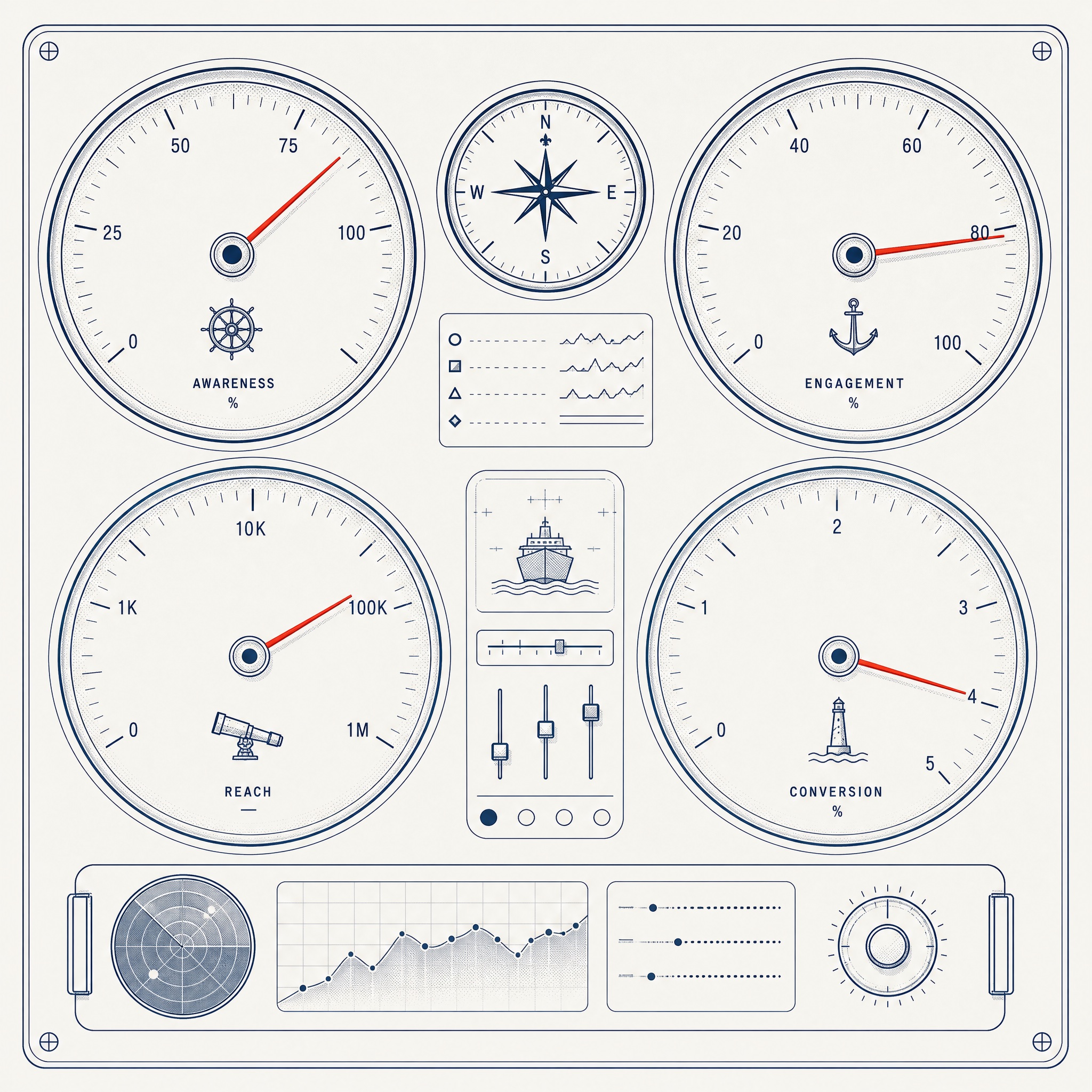
It allocates spend across channels toward the goal, and shifts the mix as legs over- or under-perform.
Re-route on signal
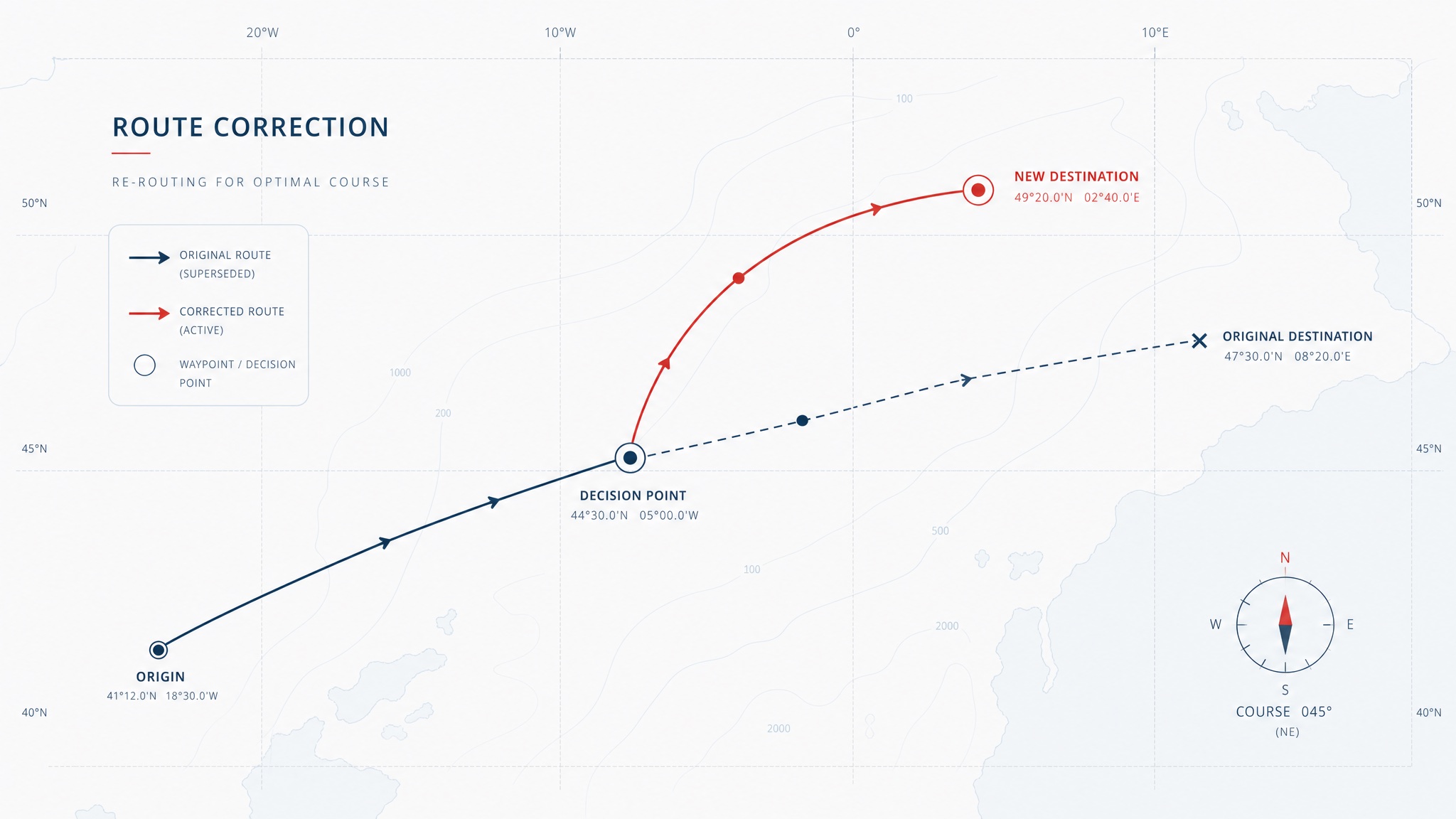
When metrics move, Compass corrects course automatically — pausing a leg, doubling another, reworking the creative.
You stay the navigator
Every move is approvable. Compass proposes the heading; you keep the helm. Software should give you leverage, not the wheel.
Three legs to a live campaign.
Name the destination
Tell Compass the goal — a launch, a number, a segment to win back. It reads the objective and asks only what it needs.
Approve the route
Compass charts the full campaign and shows it as one map. Adjust any leg, then give it the heading.
Let it take the helm
It executes across your stack, measures against the checkpoints, and re-routes on signal. You watch the position, not the busywork.
Name a destination. Compass will find the way.
Chart your first campaign free — no setup, no credit card, and you keep the helm the whole way.
Chart a campaign