n8n Alternatives: 5 Tools Marketing Teams Can Rely On
Summary
Looking for n8n alternatives? We compared five tools against n8n for marketing operations: Make, Zapier, Activepieces, Gumloop and Lindy. Make wins for most teams thanks to visual clarity and low cost per operation, Zapier leads on app coverage, Activepieces on open-source hosting, and Gumloop and Lindy on AI-first work. Pricing, ratings and trade-offs are laid out below, with one clear pick per priority.
Verdict. Make is the best n8n alternative for most marketing teams. It keeps a visual canvas, adds readable error handling, and starts around $9 a month with 10,000 credits. Pick Activepieces to self-host, Zapier for maximum app coverage, and Gumloop or Lindy when the job is mostly AI steps. Stay on n8n if an engineer owns your stack and your workflows run many steps at volume.
Why teams look for n8n alternatives
n8n is a strong tool. It bills per workflow execution, so a 40-step flow costs the same as a two-step one, and the self-hosted Community Edition is free. Its homepage counts more than 207,000 GitHub stars. For a technical team, that is a hard combination to beat.
The friction shows up elsewhere. The interface is dense, self-hosting means somebody owns servers and updates, and the cloud plan has no free tier. A marketing team that wants to reroute a campaign on a Friday afternoon does not always have that engineer available.
That is the real question behind this keyword: not "what is better than n8n" but "what fits the person who will maintain the workflow". The route depends on who holds the controls.
What we looked at
We scored each tool on four things a marketing stack actually feels: cost at volume, how readable a workflow is for a non-engineer, how far the app library reaches, and how deep the AI agent features go. Aggregated G2 and Capterra ratings add a sanity check, with a warning wherever the review base is thin. The full method is in the methodology note at the end.
Make: the pick for most marketing teams
Make sits between Zapier's simplicity and n8n's power. Its scenario canvas shows routers, iterators and error handlers on one screen, which makes a campaign workflow easier to read six weeks later. The free plan has 1,000 credits with no time limit, and paid plans start around $9 a month for 10,000 credits.
Public ratings back it up: 4.7 on G2 and 4.8 on Capterra. The trade-offs are real. The move to a credit system made cost estimates less intuitive, and a big scenario gets crowded. There is also no self-hosted option.
Zapier: the widest catalog, the steepest bill at scale
Zapier connects to more than 9,000 apps, and a first automation takes minutes. That breadth matters when your stack includes niche tools nobody else supports.
The price is the billing model. Every successful action counts as a task, so a 20-step Zap uses 20 tasks per run. The free plan covers 100 tasks a month and Professional starts around $19.99 a month billed annually for 750 tasks. At tens of thousands of operations, comparable workloads can pass $300 a month where Make or n8n cost a fraction. Zapier also bills its agent usage in separate activities.
Activepieces: the open-source route
Activepieces is the nearest relative of n8n for teams that care about hosting. The Community Edition is MIT-licensed and free to self-host, and the cloud product has a free plan. It lists 760+ integrations, ships AI agents and MCP servers, and has a friendlier builder than n8n.
The cost is maturity. The catalog is smaller than the three incumbents, templates are thinner, and a few pieces trail their Zapier equivalents. Its G2 rating of 4.6 rests on limited review volume. For a team that wants openness and can tolerate a younger tool, it is a fair trade.
Gumloop and Lindy: when the work is AI steps
These two solve a different problem. n8n, Make and Zapier are workflow engines that now host AI steps. Gumloop and Lindy start from the AI step.
Gumloop centers its canvas on models, prompts and data sources, with 35+ models and unlimited agents and seats on the $37 a month Pro plan. Credit use is hard to predict on large runs, and its integration depth falls well below Make or Zapier for classic SaaS plumbing.
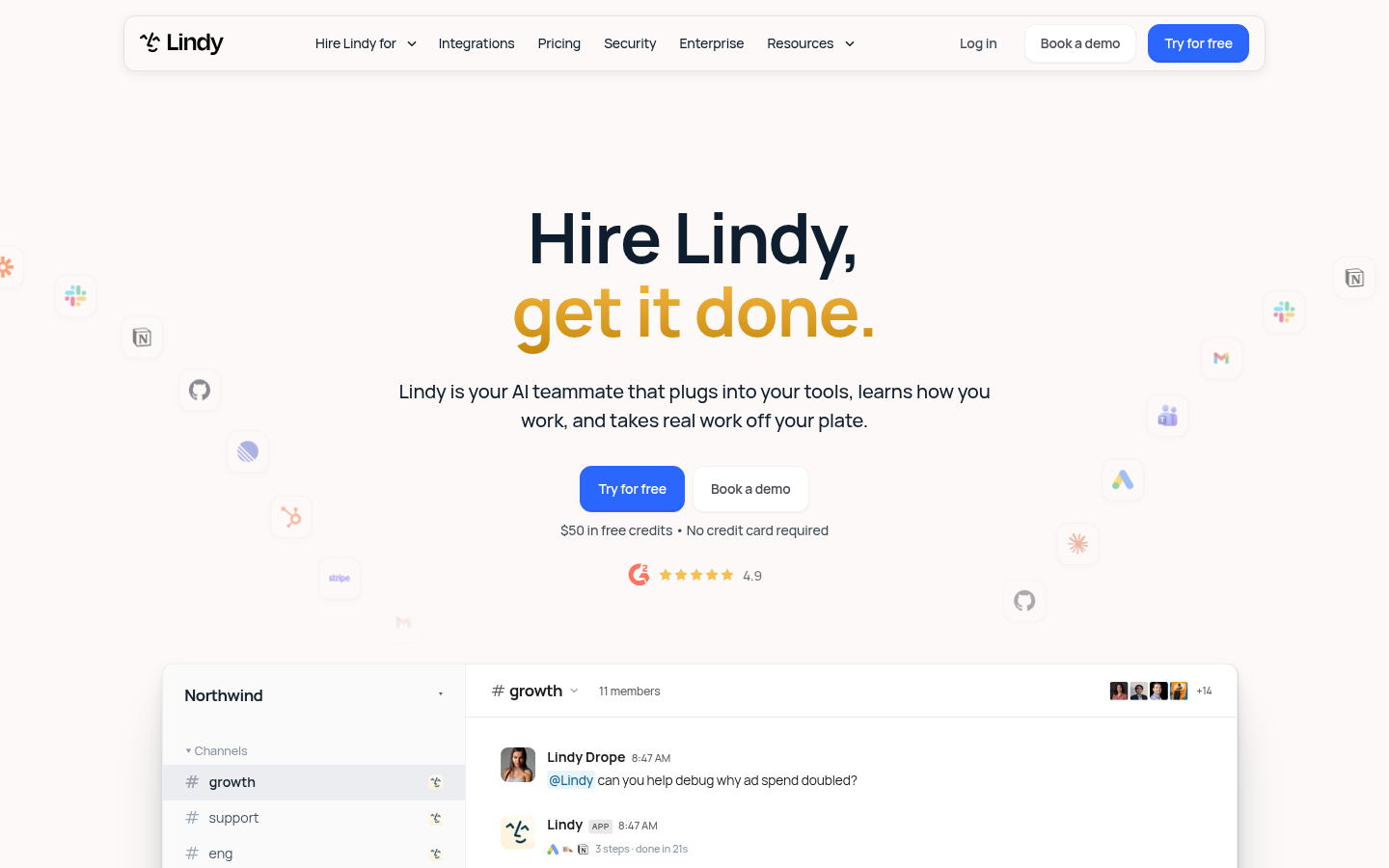
Lindy takes the assistant approach: you configure a persistent agent once, connect email, calendar and CRM, and it runs the same job daily. Team plans start at $49.99 per active user per month with 5,000 pooled credits. It handles task-specific agents well and complex orchestration less so. Its G2 score of 4.9 comes from 109 reviews, while Capterra shows only 2, so weigh it accordingly.
Which one fits your stack
Match the tool to who maintains it and how much runs through it.
No engineer, mixed workflows: Make. It balances readability and price.
Long tail of niche apps, low volume: Zapier. Pay for coverage, watch task counts.
Data residency or open-source policy: Activepieces, or stay on n8n.
Mostly LLM steps, no code: Gumloop.
One recurring job per person: Lindy.
Automation tools execute steps you design. If your real goal is campaigns that reroute themselves across email, ads, social and CRM, that is orchestration rather than automation, and it is a different layer of the stack. These tools can feed it, but they do not replace the decision logic.
The bearing we recommend
Start with Make on its free plan and rebuild one real workflow, ideally your lead-routing or campaign-launch checklist. If it runs cleanly for two weeks and the credit bill stays flat, you have your answer. If the bill climbs or you need to self-host, move that workflow to Activepieces or back to n8n.
Whichever you choose, model your cost at ten times today's volume before committing. That single number separates a cheap tool from an expensive one.
At-a-glance
| Make | Zapier | Activepieces | Gumloop | Lindy | |
|---|---|---|---|---|---|
| Pricing model | Per credit (operation) consumed | Per task, every successful action counts | Free self-hosting, cloud plans by usage | Credit-based, AI model calls consume credits | Credit-based, per active user on team plans |
| Entry paid plan | About $9/month for 10,000 credits | About $19.99/month billed annually for 750 tasks | Free cloud plan, Plus around $20/month | $37/month for 20,000 credits | $49.99 per active user/month, 5,000 pooled credits |
| App library | Large library with deep HTTP module | 9,000+ apps, the widest catalog | 760+ integrations, MCP-native | Thinner than Zapier or Make, AI-focused | Mainstream business tools, template-led |
| Self-hosting | No, cloud only | No, cloud only | Yes, MIT-licensed Community Edition | No, hosted (VPC on Enterprise) | No, hosted |
| AI agent depth | Agents and automations on one canvas | Zapier Agents, billed in separate activities | AI agents and MCP servers built in | AI-first canvas, any model | Persistent agents configured once, run daily |
| G2 / Capterra | 4.7 / 4.8 | 4.5 / 4.7 | 4.6 on limited volume | 4.7 on limited volume | 4.9 (109 reviews) / 3.5 (2 reviews) |
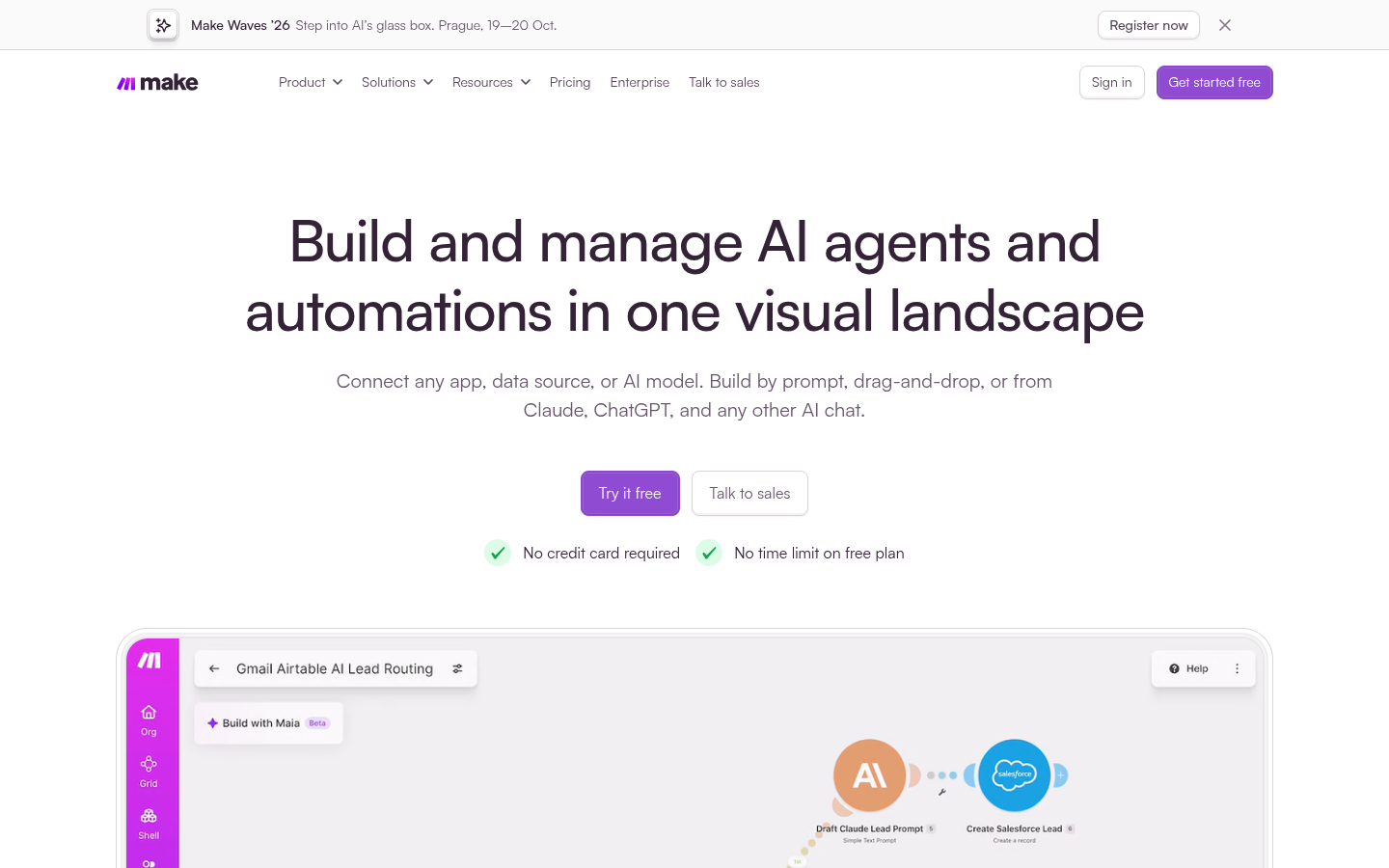
Make
- Visual scenario canvas with routers, iterators and error handling
- Entry plan around $9/month and a free plan with no time limit
- High aggregated ratings: 4.7 on G2 and 4.8 on Capterra
- Credit-based billing made cost estimates less intuitive than before
- Large scenarios become crowded and hard to read on the canvas
- No self-hosted option for teams with strict data residency rules
Best balance of power, readability and price for a marketing team with no dedicated engineer.
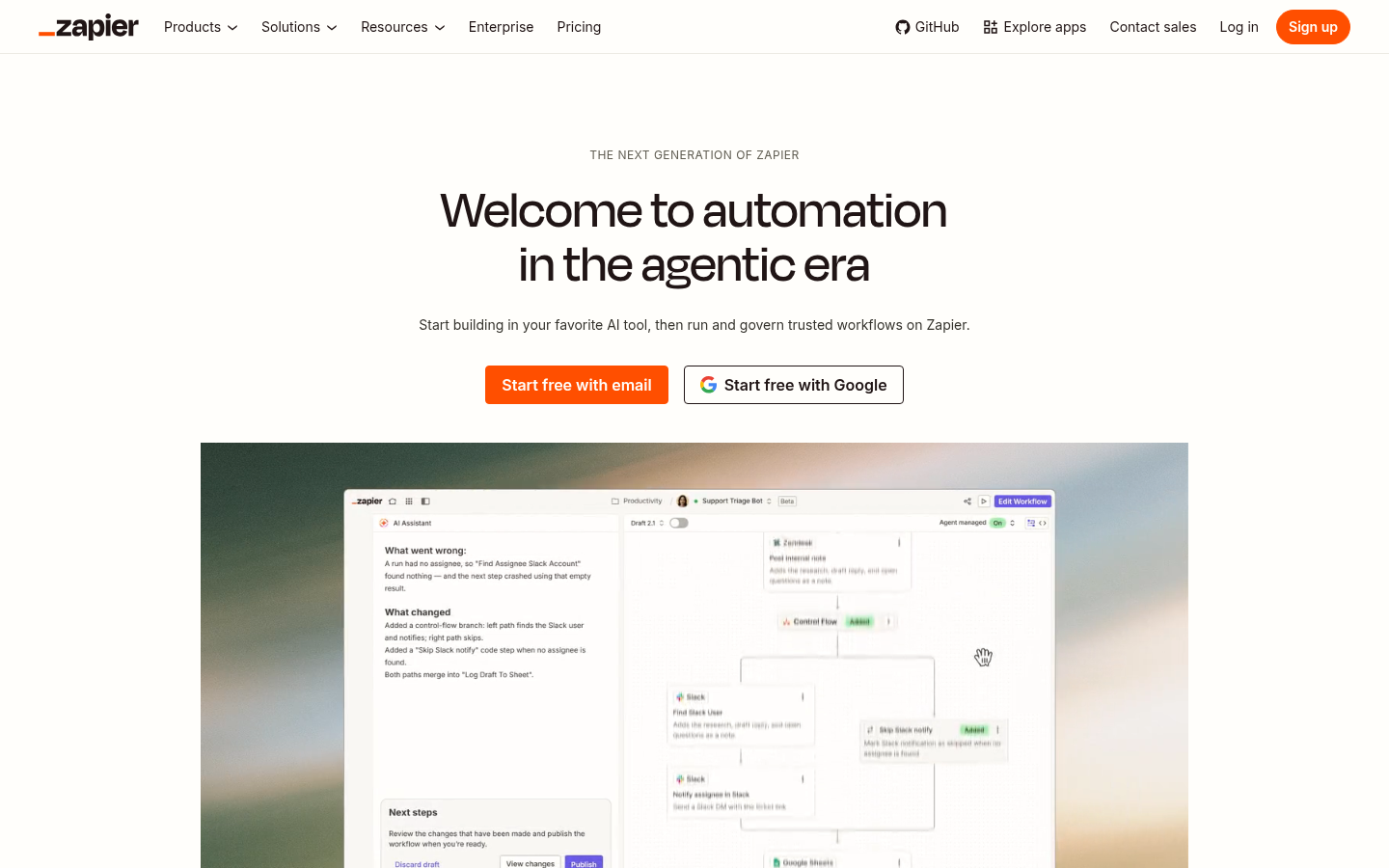
Zapier
- 9,000+ integrations, the widest catalog of the group
- Gentlest learning curve, a first Zap is live in minutes
- Zapier Agents add AI steps without leaving the platform
- Per-task billing punishes long workflows, a 20-step Zap uses 20 tasks
- Costs can pass $300/month at tens of thousands of operations
- Weaker handling of loops and long-running AI steps than canvas tools
The safe default for simple flows, the expensive one once volume grows.
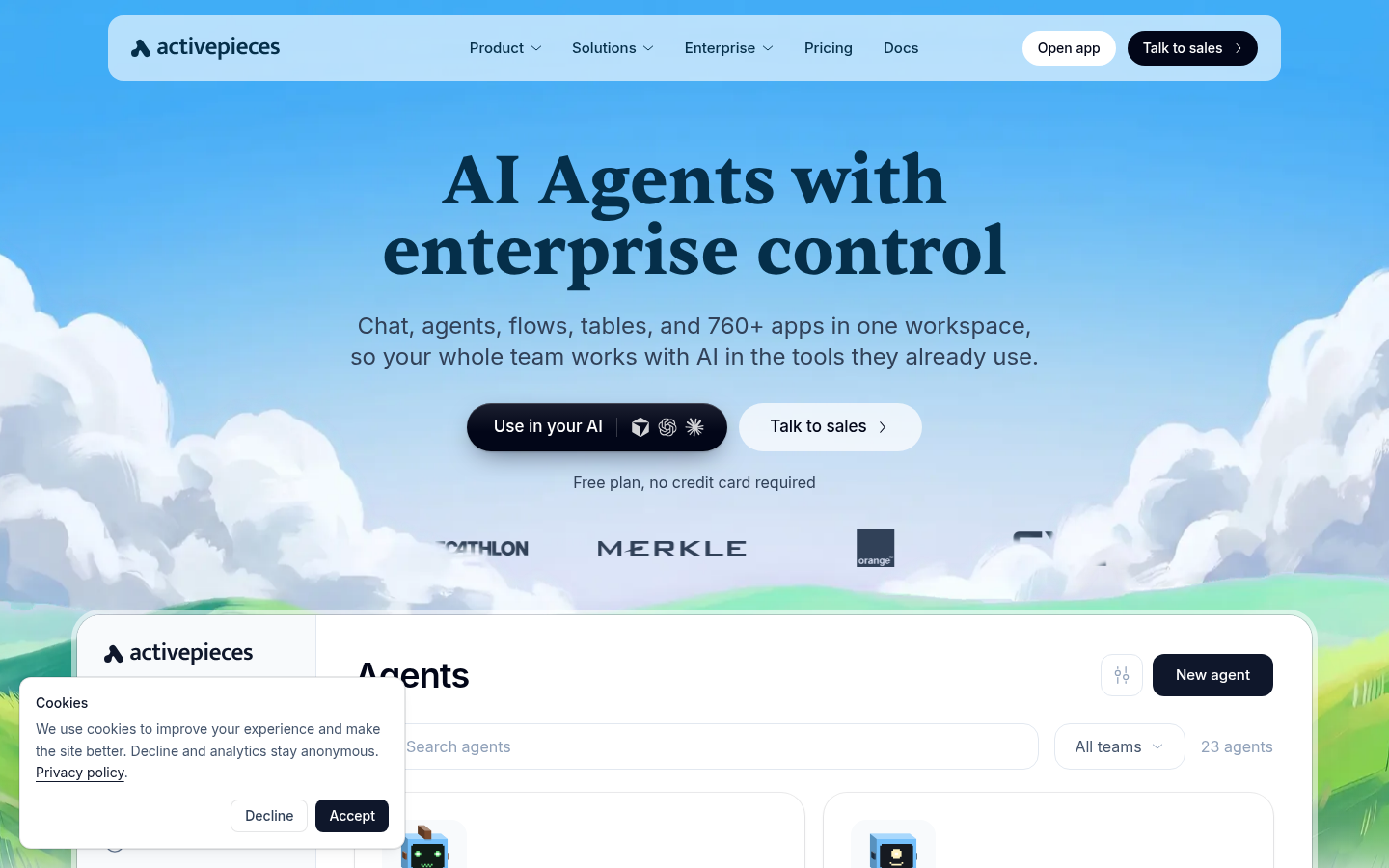
Activepieces
- MIT-licensed Community Edition, free to self-host
- MCP-native design with AI agents and unlimited MCP servers on the free tier
- Clean builder that non-developers pick up quickly
- 760+ integrations is a smaller catalog than n8n, Make or Zapier
- Younger platform with thinner templates and edge-case documentation
- Some pieces are less mature than their Zapier equivalents
The closest open-source cousin to n8n, with a friendlier builder and a smaller library.
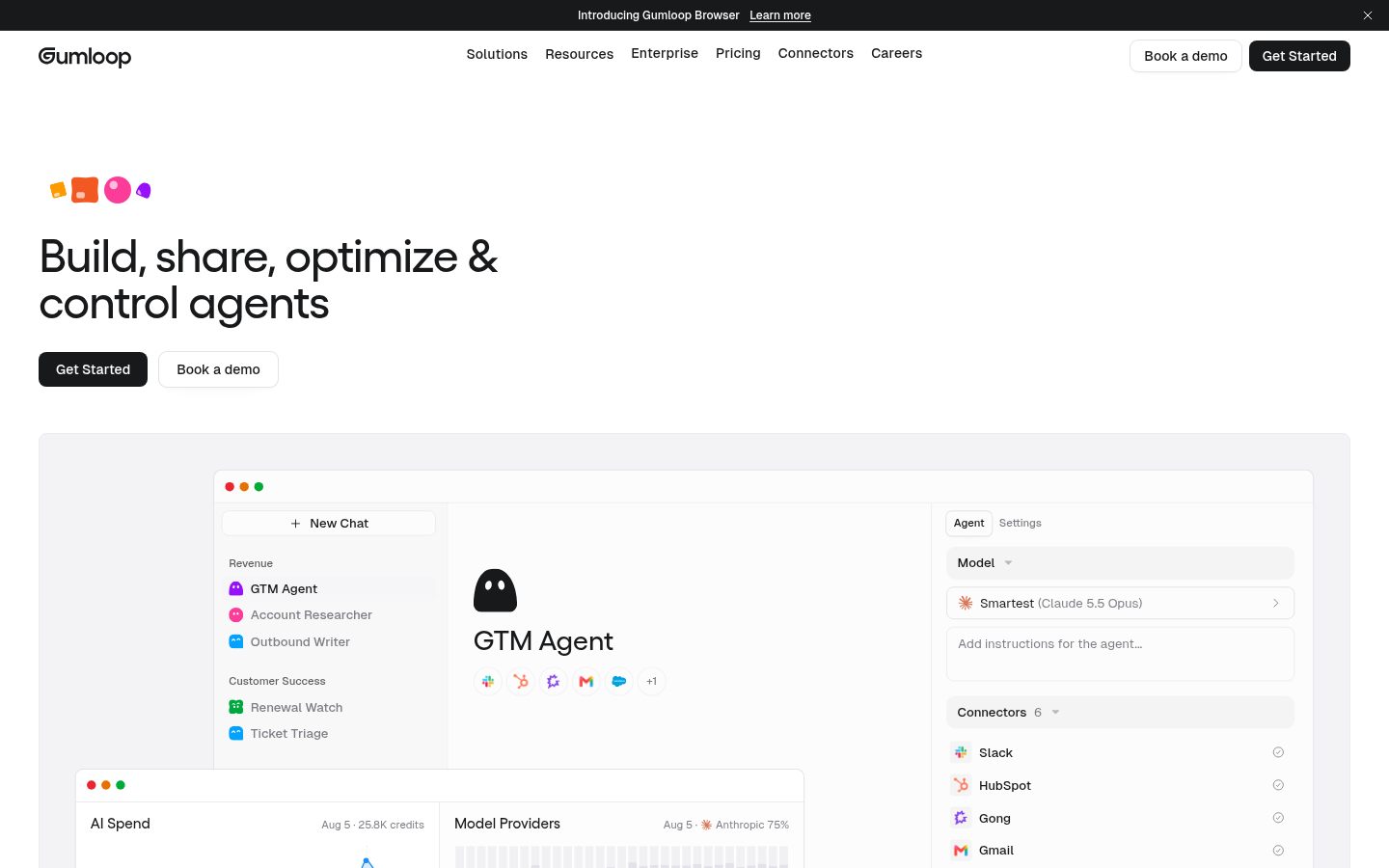
Gumloop
- Canvas built around AI models, prompts and data sources
- Free plan with 5,000 credits and a Pro plan at $37/month
- Unlimited seats and agents on Pro, with 35+ models
- Credit use is hard to predict on large or frequent runs
- Integration depth falls well below Make or Zapier for classic SaaS apps
- Smaller platform with less mature enterprise governance
A good fit when most steps are 'run this through a model', a poor one for plumbing between many apps.
Lindy
- Simple setup: connect tools, write a prompt, the agent runs the job
- Built for recurring work such as inbox triage, lead follow-up and scheduling
- Free credits at signup and SOC 2 compliance on paid tiers
- Credit pricing gets expensive at high automation volume
- Better for task-specific agents than complex multi-agent orchestration
- Review base is thin outside G2, with only 2 reviews on Capterra
Pick it when you want an assistant that does one job daily, not a workflow you must design.
Verdict
For most marketing teams, Make is the strongest n8n alternative: a readable visual canvas, a low entry price and the best-balanced ratings. Choose Activepieces if self-hosting is non-negotiable, Zapier if app coverage beats cost, and Gumloop or Lindy if the work is mostly AI steps. Keep n8n when an engineer owns the stack and you run long, many-step workflows at volume.
How we tested
This comparison is desk research, not a lab benchmark. We read each vendor's public pricing page and documentation in October 2026, captured each homepage on 17 October 2026, and aggregated public G2 and Capterra ratings, flagging products with thin review volume. Prices are list prices at the time of writing and change often, so check the vendor page before buying. We scored products from 0 to 5 on fit for marketing operations: cost at volume, readability for non-engineers, integration reach and AI agent depth. We did not run identical workloads on every platform, and none of these vendors paid for placement. Compass has no affiliate link with any tool in this list.