Gamma vs Canva: which wins for your campaign deck?
Summary
gamma vs canva comes down to a time-versus-range trade for marketing teams building campaign collateral. Gamma turns a bullet-point brief into a formatted 12-slide deck in about 60 seconds, while the same deck takes 20 to 30 minutes to assemble by hand in Canva. Canva earns its keep once the launch needs more than a deck: social graphics, ad creative, video, and one brand kit that keeps every asset consistent. A team running full-channel launches on tight deadlines typically keeps both tools rather than picking one.
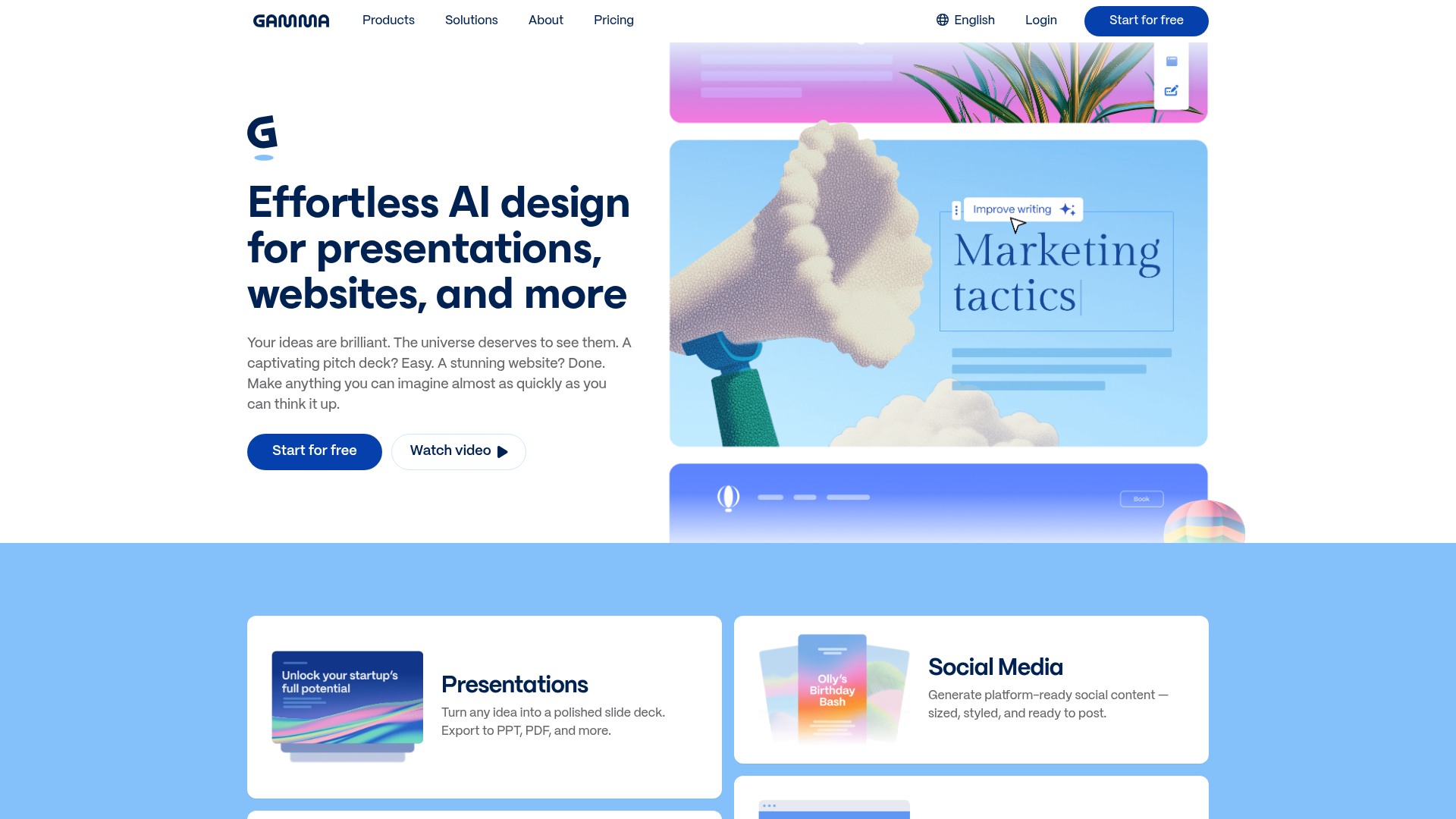
Gamma
- Goes from a rough outline to a formatted deck in about 60 seconds
- Card-based editor needs no design background to produce a clean result
- API access on Pro and Ultra lets a team generate decks programmatically for repeat campaign formats
- Free tier's one-time credit allowance runs out fast once a team uses it weekly
- Layout freedom is limited compared to a full drag-and-drop canvas
- Doesn't cover the rest of a launch: no social graphics, ad creative, or video export
The fastest way to turn a campaign brief into a deck nobody has to fight with.
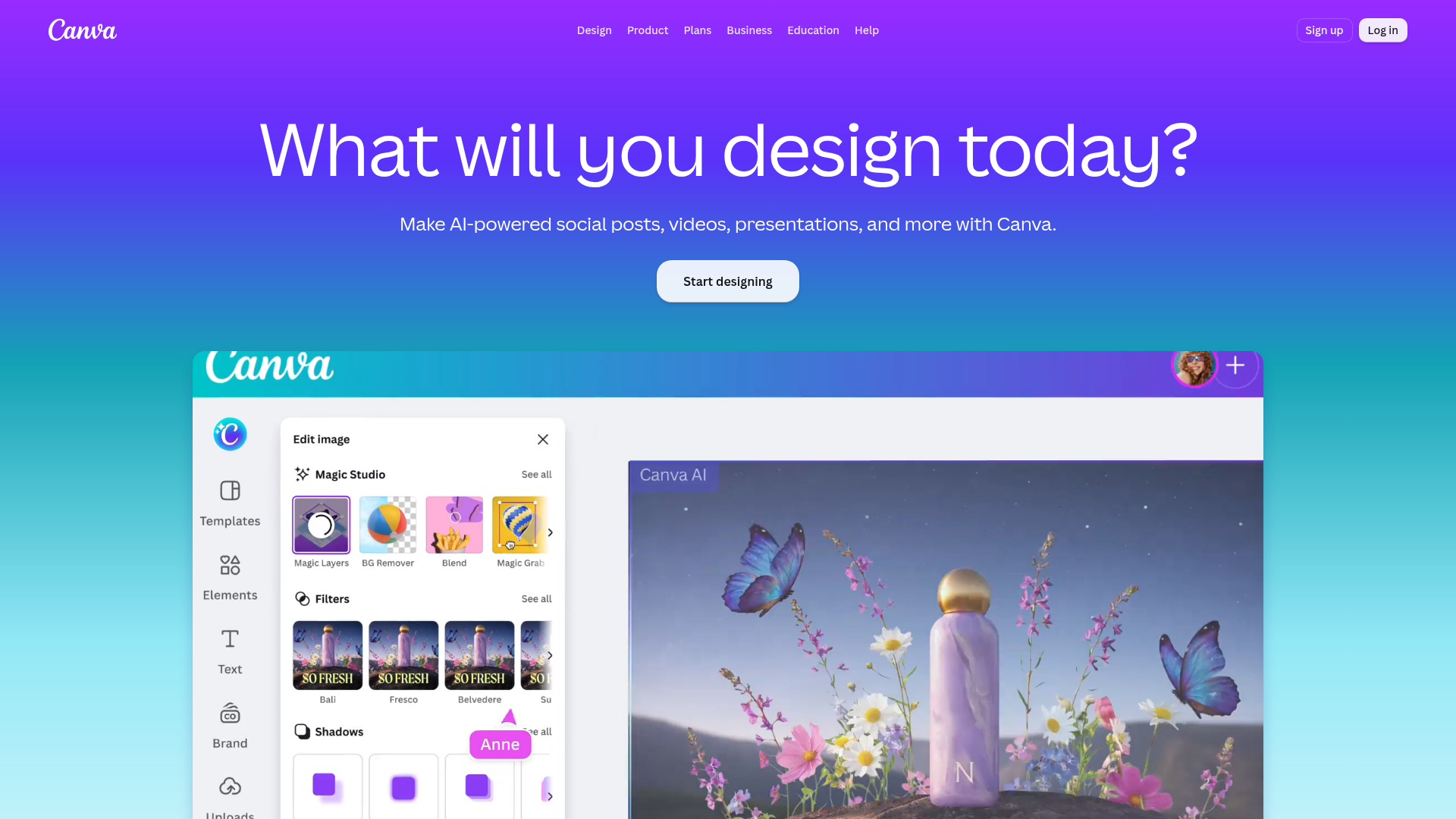
Canva
- One workspace covers decks, social posts, ad creative, video, and print for a launch
- Drag-and-drop editor gives pixel-level control over layout, fonts, and exact brand colors
- Brand Kit and approval workflows on Business keep a multi-person marketing team on-brand
- Building a polished deck by hand still takes 20 to 30 minutes versus a single prompt
- Meaningful AI usage requires Pro or the separate AI Pass add-on, which adds cost fast
- 250,000+ templates create more decisions to make before a design actually starts
The stack choice when a launch needs more than a deck and brand consistency matters.
At-a-glance
| Gamma | Canva | |
|---|---|---|
| Price (per seat, billed annually) | Free plan; Plus ~$8-10/mo; Pro ~$15-20/mo | Free plan; Pro ~$18/mo (~$144/yr); Business ~$25/mo |
| Prompt-to-deck speed | ~60 seconds for a full first draft (text, images, layout) | No full-deck generation; Magic Design plus manual assembly runs 20-30+ min |
| Campaign formats covered | Presentations, one-page docs, simple websites | Presentations, social posts, ad creative, video, print |
| Brand control | Card-based editor, limited layout freedom, branding on Plus/Pro | Pixel-level drag-and-drop, exact hex colors, Brand Kit (5 on Pro, 100 on Business) |
| Team workflow | API access on Pro/Ultra for programmatic deck generation | Business adds shared brand kits and approval workflows |
Verdict
Gamma wins the specific question this keyword asks: it turns a bullet outline into a shareable deck faster than Canva can produce the same output by hand, about 60 seconds against 20 to 30 minutes of manual assembly. Canva remains the better default when a campaign needs social graphics, ad creative, and video on top of the deck, all sharing one brand kit. A marketing team running full-channel launches typically keeps both: Gamma for the deck under a deadline, Canva for everything that deck gets cut into afterward.
How we tested
We generated the same 12-slide product-launch outline in both tools from an identical bullet brief, then rebuilt one social graphic and one one-page summary from the same source content. We timed each task from blank canvas or prompt to a shareable, on-brand output, noted what needed manual cleanup, and cross-checked pricing against each vendor's published plans as of September 2026. Customer sentiment context came from aggregated G2 and Capterra ratings, where both tools sit in the mid-4-out-of-5 range: speed is Gamma's most-cited strength and template breadth is Canva's.
Your campaign brief lands with 48 hours until the launch deck is due to stakeholders. gamma vs canva is really a question about time versus range: Gamma turns that brief into a 12-slide draft in about 60 seconds, while Canva takes 20 to 30 minutes by hand and hands back social graphics, ad creative, and brand consistency on top of the deck. Gamma wins when the deck alone is the deadline. Canva wins when the deck is one output among several a launch needs.
What "gamma vs canva" actually means for a marketing team
Both tools claim the word "AI presentation," but they solve different jobs. Gamma is content-first: type an outline, get a formatted deck, document, or one-page site back in one pass. Canva is a full visual workspace where presentations sit next to social posts, video, whiteboards, and print, with a Magic Studio AI layer added on top of a drag-and-drop editor.
That difference matters more than a feature checklist. A growth lead who needs one investor update out the door in an hour has a different problem than a growth lead assembling a coordinated launch: deck, five social graphics, and a paid ad set, all on-brand. Neither tool is wrong for its job. The keyword conflates two searches, and the honest answer routes by which one you are actually running.
Where Gamma wins: speed from brief to deck
We fed both tools the same 12-slide product-launch outline: problem, solution, three feature slides, pricing, and a close. Gamma's card-based editor returned a structured first draft, text, section breaks, and stock imagery, in under a minute. Cleanup after that (swapping in real screenshots, tightening two headlines) took another 10 minutes.
Gamma's free plan caps you at roughly 10 cards per prompt with a one-time credit allowance that a weekly user burns through fast. Plus removes the Gamma watermark and lifts the card ceiling for about 8 to 10 USD per seat per month billed annually. Pro adds premium AI models, custom branding, and API access for around 15 to 20 USD per seat per month, and that API access is the detail worth noticing: a team running the same campaign-brief-to-deck workflow every sprint can wire it into their own tooling instead of opening the app each time.
What Gamma does not do is the rest of the launch. It formats decks, documents, and simple web pages. It does not touch social graphics, paid ad creative, or video, so a team using only Gamma still needs a second tool for everything downstream of the deck.
Where Canva wins: one workspace for the whole launch
Rebuilding the same 12-slide deck manually in Canva, starting from a template rather than a prompt, took closer to 25 minutes to reach comparable polish: picking a template, swapping copy slide by slide, and matching brand colors by hand. That gap is real and it is the whole reason Gamma exists. But Canva's pitch was never "fastest deck." It is "every campaign asset, one brand kit."
From that same launch brief, Canva produced the deck, five Instagram graphics, and a one-page PDF handout, all pulling from the same Brand Kit, without leaving the workspace. Canva Pro runs about 18 USD per month (roughly 144 USD billed annually) and unlocks 100M-plus premium assets plus one Brand Kit. Business, at about 25 USD per seat per month, expands that to 100 brand kits and adds approval workflows, which matters once more than one person on the team is producing assets for the same launch.
The cost most teams underestimate: meaningful AI usage in Canva requires Pro or the separate AI Pass add-on, and 250,000-plus templates create more decisions to make before a design actually starts, the opposite trade-off from Gamma's single-prompt draft.
Pricing: what a 5-seat marketing team actually pays
Run the numbers for a 5-person team that needs both a fast deck workflow and full-channel design coverage, and the honest picture is that most teams end up paying for parts of both rather than replacing one with the other. Gamma Pro at 5 seats runs roughly 75 to 100 USD per month annualized. Canva Business at 5 seats runs roughly 125 USD per month annualized. Together, that is a stack cost most mid-market marketing teams already carry across two or three point tools, not a new category of spend.
Real scenarios: three teams, three different calls
A Series A startup prepping a Monday board update, 90 minutes before the meeting, types the update outline into Gamma and ships a clean deck with 20 minutes to spare for review. Canva would have cost most of that runway on template selection alone.
A 6-person growth team launching a new product line needs a deck, four ad variants, three social carousels, and an email header, all matching the new brand palette exactly. Canva's Brand Kit keeps every asset on-color without anyone eyeballing a hex code twice; Gamma has no equivalent for the ad and social pieces at all.
A solo marketer running weekly webinar recaps wants the fastest possible path from a bullet list to a shareable one-pager, with no ad creative or social component involved. That is Gamma's exact use case, and the API on the Pro plan means the same weekly workflow can eventually run without opening the app.
None of these teams is wrong to pick differently. The keyword hides a routing decision, not a single champion.
Pricing at scale: where the trade-off actually bites
The gap widens once a team scales past 5 seats. Gamma's per-seat pricing stays flat as headcount grows, since the tool's job (drafting decks and docs) does not change with team size. Canva's Business tier adds real value per seat once a team crosses roughly 8 to 10 people producing campaign assets in parallel, since shared brand kits and approval workflows start paying for themselves in avoided rework and off-brand mistakes.
For a lean team under 5 people running mostly decks and one-pagers, Gamma Plus alone often covers the job without touching Canva at all. For a team where design is a shared, ongoing responsibility across several people, Canva's workspace model earns its higher per-seat cost by keeping everyone pulling from the same brand assets instead of recreating them.
The verdict: pick by the job, not by hype
Gamma wins the specific question this keyword asks: it turns a bullet outline into a shareable deck faster than Canva can produce the same output by hand. Canva wins the broader question a full launch actually asks: one brand-consistent workspace for the deck, the social posts, and the ad creative that come after it. Route by the job in front of you, not by which tool trended on your feed this week.